Description
Blind Mode for WordPress
Build privately on your real domain — without being seen.
Most “coming soon” plugins still serve a page. WordPress still runs. Bots still poke endpoints. The login still exists.
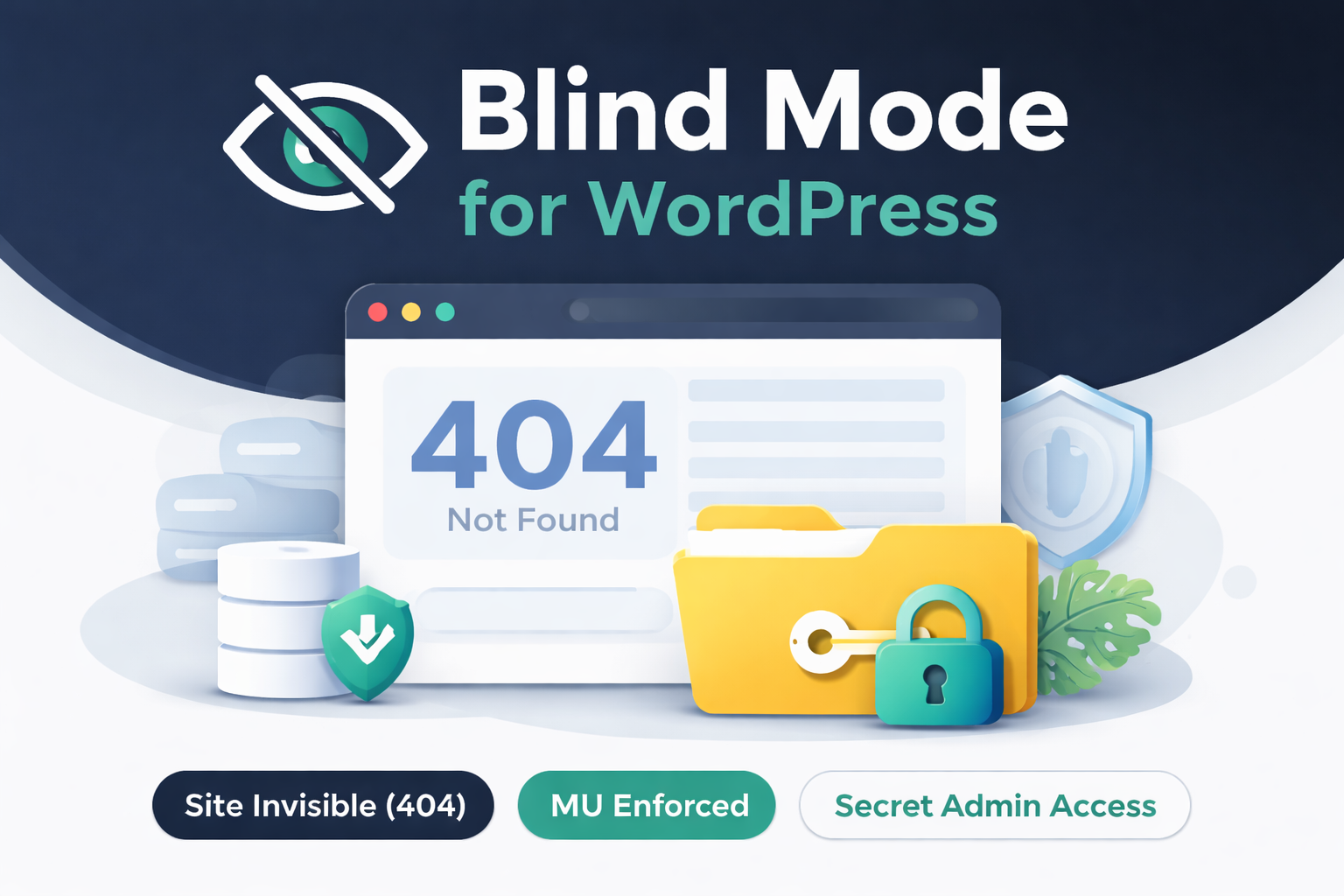
Blind Mode takes a different approach: when enabled, your site simply does not exist to the public. Visitors get a clean 404 Not Found response — no splash screen, no visible site, no exposed interfaces.
What it does (when Blind Mode is ON)
-
Public pages: 404 Not Found
-
/wp-login.php: hidden (404)
-
/wp-admin/: blocked unless allowed
-
REST API (/wp-json): dead end (404 / no route)
-
Feeds: blocked
-
XML-RPC: disabled
Access model (controlled)
Blind Mode gives you two safe ways to work while the public sees nothing:
-
Admin access (stable): logged-in administrators work normally
-
Secret preview link (time-limited): share a preview URL that grants temporary access via a browser cookie (expires; reopening renews access). Regenerate the secret to revoke instantly.
Tip: Bookmark your secret admin access URL before logging out. When Blind Mode is enabled, /wp-login.php is hidden from the public.
Why MU-enforced matters
Blind Mode is enforced through a Must-Use (MU) plugin, which loads before standard plugins and can’t be disabled accidentally. It’s a simple safety net against the most common “oops” moments: theme switches, plugin changes, bulk updates, or a forgotten setting.
Installation (simple)
You install the ZIP like a normal plugin, then move the MU enforcement file into:
/wp-content/mu-plugins/
Docs walk you through it step-by-step.
Perfect for
-
Client builds on a real domain
-
WooCommerce store “dark launches”
-
Site redesigns and rebuilds
-
Private staging without staging URLs
Blind Mode is a visibility gate — not a security suite. Once you go live, standard WordPress best practices apply.



Reviews
There are no reviews yet.